

MAnager Experience
Workplace Operations Tools Built for Leaders & Managers
Managing a shift-based workforce is a demanding job, especially when you’re juggling last-minute changes, staffing gaps, compliance rules, and employee requests across locations.
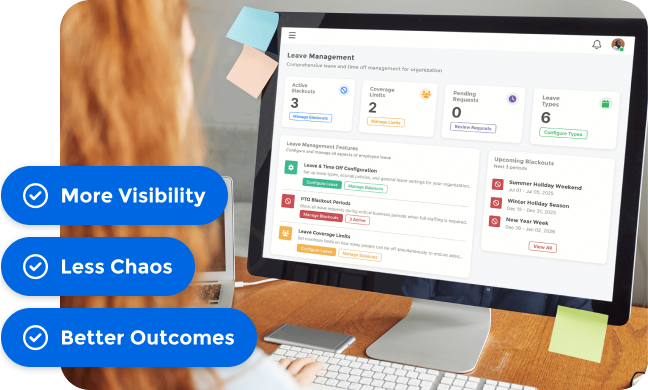
What Managers Get with MangoApps
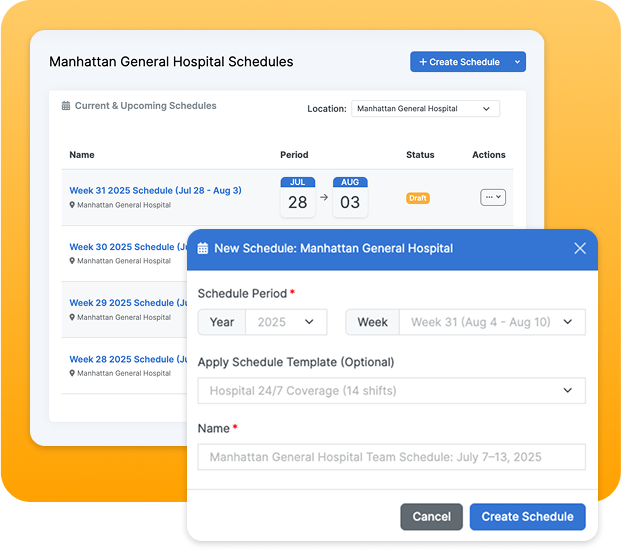
Streamlined Scheduling & Adjustments
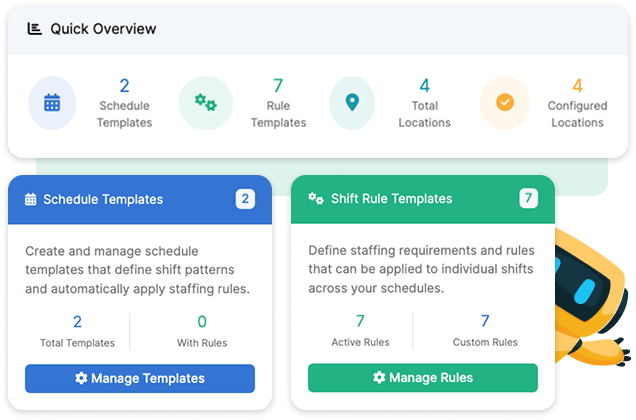
Drag-and-drop tools, templates, and AI suggestions make it easy to align staffing with demand, availability, and compliance from a single dashboard.
- Auto-fill open shifts with best-fit employees
- Easily update live schedules and notify impacted staff
- Apply location-specific rules and shift types
Accurate Time Tracking Without the Hassle
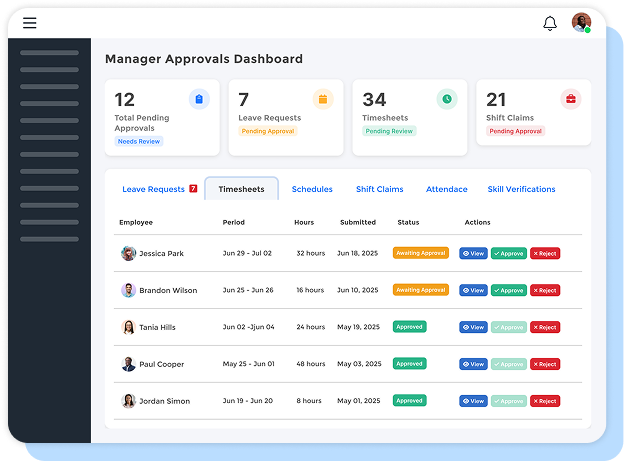
Quickly review and approve timecards, catch missed punches, and validate overtime all from one place. Custom alerts flag issues before they become payroll problems.
- Real-time visibility into attendance and time exceptions
- Role-based approvals for timecard workflows
- Integrated with scheduling and payroll systems
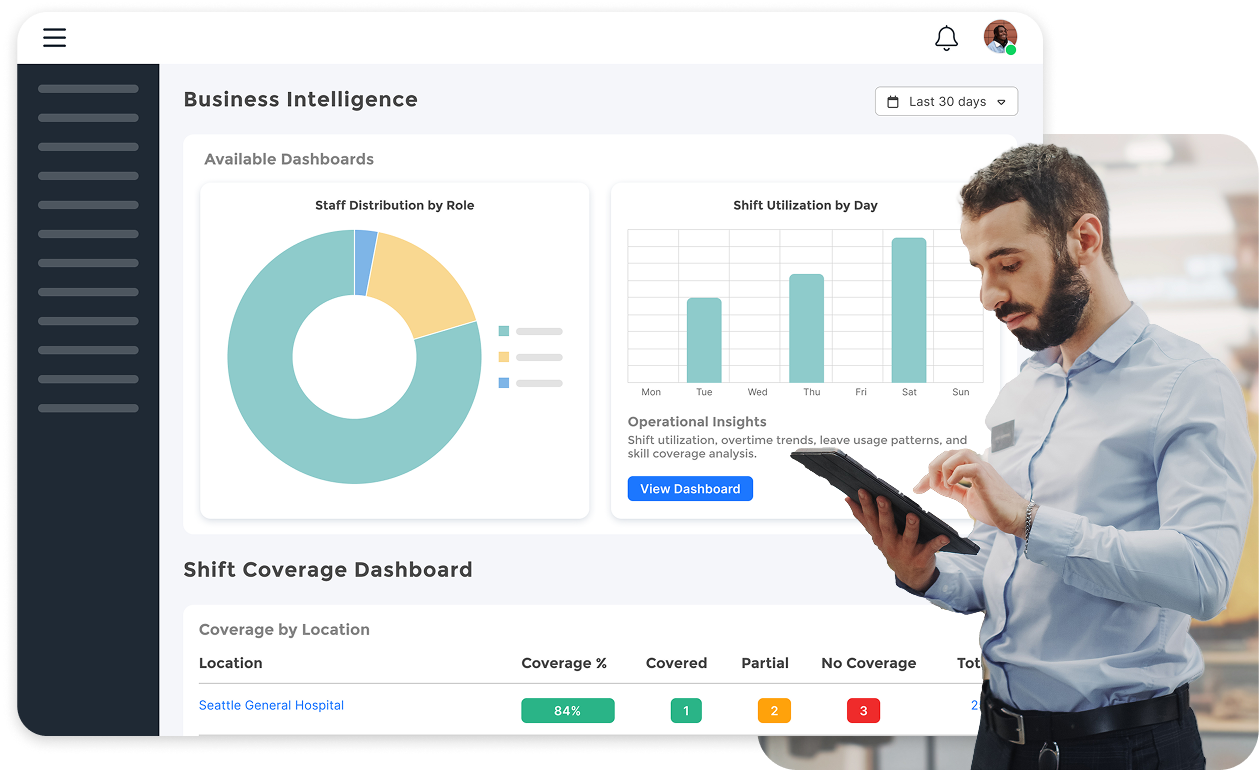
Real-Time Insights & Dashboards
Get a clear view of labor costs, staffing gaps, shift fulfillment, employee performance, and more. Dashboards are customizable by role, location, or priority.
- Track KPIs across departments or facilities
- Spot issues early before they impact patient/customer care or operations
- Export or share data with stakeholders easily
Smart, Rule-Based Automation
Spend less time on repetitive admin work. From PTO approvals to shift swaps and open shift fills, MangoApps automates common workflows with built-in guardrails.
- Set approval chains for time off, shift changes, and more
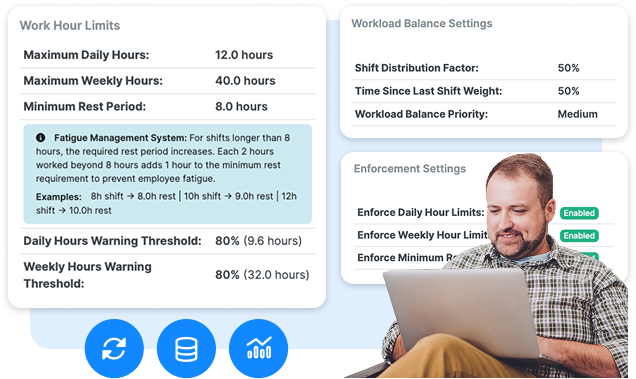
- Apply compliance rules automatically to prevent violations
- Let AI suggest the best schedule based on your defined priorities
Mobile-Ready Tools for On-the-Go Leadership
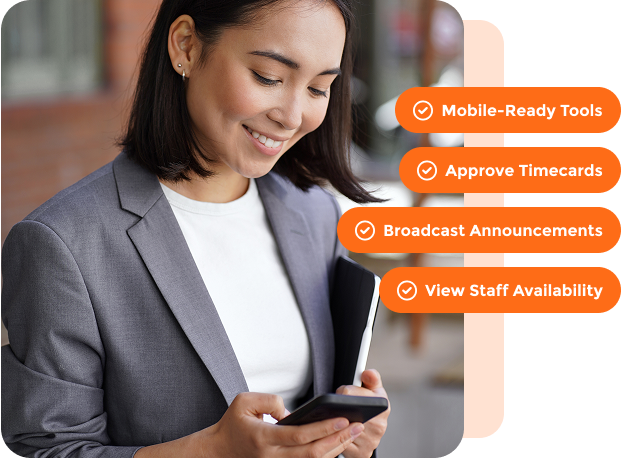
Manage schedules, approve requests, and communicate with your team from your phone. It’s ideal for supervisors, clinic leads, and department managers who aren’t always at a desk.
- Approve timecards or shift changes on the move
- Broadcast announcements or changes instantly
- View staff availability and contact info in one tap
Compliance Without the Manual Effort
Built-in tools help you maintain compliance with labor laws, union contracts, credentialing requirements, and audit policies without constant oversight.
- Role-based scheduling and skill tracking
- Full database of local labor laws automatically applied to schedule creation
- Complete audit trail of all scheduling and timekeeping actions
What Senior Leadership Gets With MangoApps

System-Wide Visibility and Control
Executives and directors gain a bird’s-eye view of workforce efficiency across every location, team, or region.
- Identify trends in staffing, turnover, and labor costs
- Forecast future needs based on historical data
- Set org-wide policies, permissions, and approval rules

Alignment with Business Goals
Drive smarter decision-making by aligning scheduling and labor costs with broader operational and financial objectives.
- Spot opportunities to reduce overtime and agency spend
- Improve retention through fair, flexible scheduling practices
- Support organizational growth with scalable workflows
Book a meeting!
For 15+ years, we've perfected our product, earning the trust of 1 million+ users and an NPS of 78.
Why Choose Us?
- Superior Product: 15+ years of R&D
- Top Security: HITRUST, ISO & SOC 2 certified.
- Exceptional UX: Delightful on mobile and desktop.
Trusted by Legendary Companies:
