

Flexible Schedule Distribution
A Better Way to Manage Schedules On the Go
In many organizations, getting basic schedule information still means chasing down paper postings, making phone calls, or logging into clunky desktop portals. For busy teams—especially those working variable shifts across locations—that kind of friction adds up.
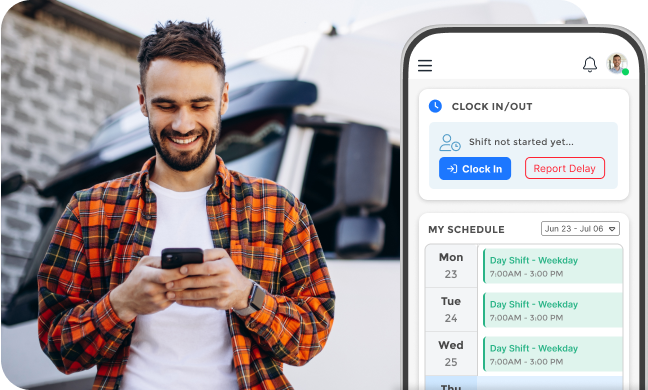
What Scheduling Used To Look Like

Last-minute issues lead to spend on overtime and contingent workers

Relying on coworkers for updates when changes happen

Uncertainty about whether PTO was approved or a shift trade went through

Paper timesheets or shared devices for clocking in

Lack of clarity around vacation requests and approval status
What Scheduling Looks Like With MangoApps
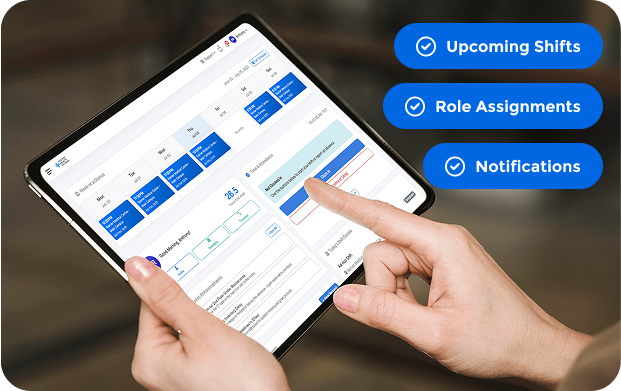
Check Schedules Anytime, Anywhere
Employees can open the mobile app to see their upcoming shifts, role assignments, location details, and even who they’ll be working with.
- Shifts include all necessary details and are always up to date
- Past and upcoming shifts are always visible
- Employees can receive push notifications for updates
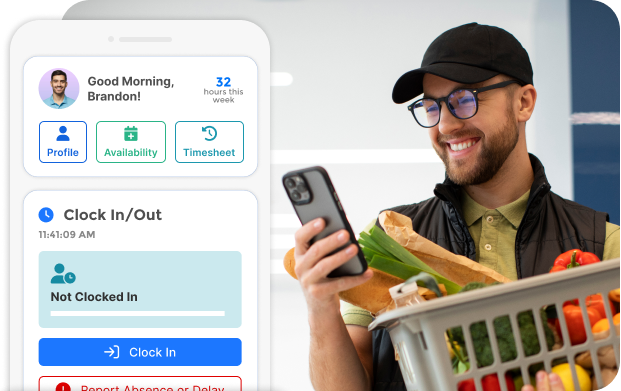
Clock In and Out from Mobile
Clock in and out directly from a phone or tablet, with no shared terminals or paper timesheets required.
- Supports breaks and split shifts
- Eliminates missed punches, timecard errors, and fraud
- All clock-in data flows into payroll or time review automatically
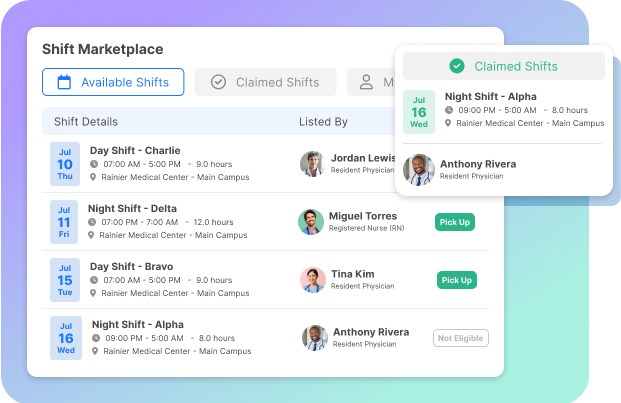
Swap, Drop, or Pick Up Shifts Without the Guesswork
If an employee can’t work a shift, they can offer it up to eligible coworkers and request coverage in just a few taps.
- Open shifts appear clearly in the app
- Shift trades are tracked automatically
- No back-and-forth calls or manual updates
Manage PTO, Availability & Preferences
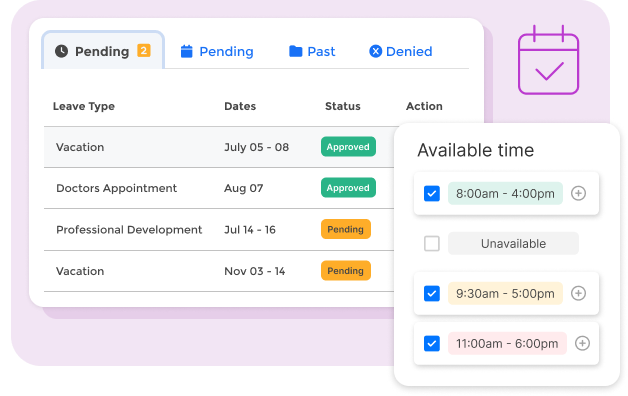
Employees can submit time-off requests, set their weekly availability, or flag days they prefer not to work, helping the scheduling algorithm cater to their needs.
- Requests route to the right approver
- Managers get a dashboard view of upcoming absences
- Employees can track approval status in the app
Get Notified When It Matters
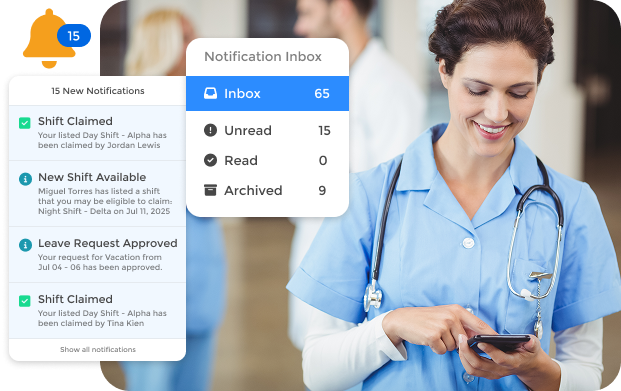
From shift changes and new training assignments to approved PTO or urgent updates, employees get real-time alerts that keep them in the loop.
- Push notifications, email, and in-app messages
- Past and upcoming shifts are always visible
- Helps prevent no-shows, late arrivals, and confusion
Ask a Question, Get an Answer Instantly
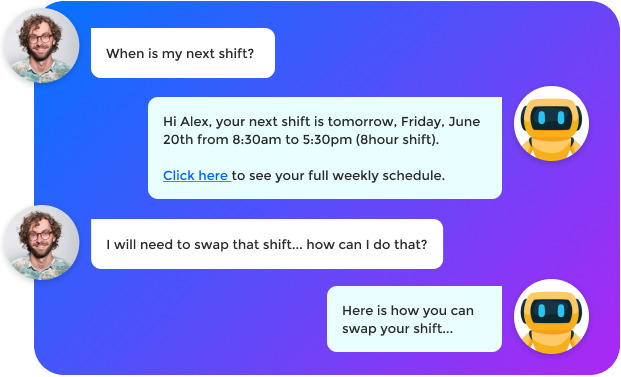
With our built-in virtual assistant, employees can use natural language to interact with their schedule.
A Simpler Experience for the People Doing the Work
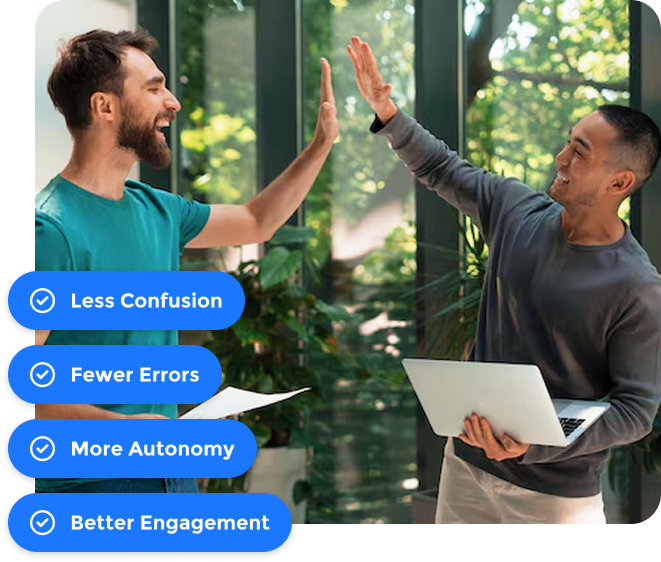
When scheduling is clearer and easier to manage, teams run more smoothly and managers have fewer fires to put out.
- Less confusion: Everyone knows when and where they’re working
- Fewer errors: Fewer missed punches or untracked shift changes
- More autonomy: Employees can take action without needing to go through a manager every time
- Better engagement: People who feel more in control tend to stick around longer